

Accessing the Tool
URL: https://app.blackridgeresearch.com/acp/index.php
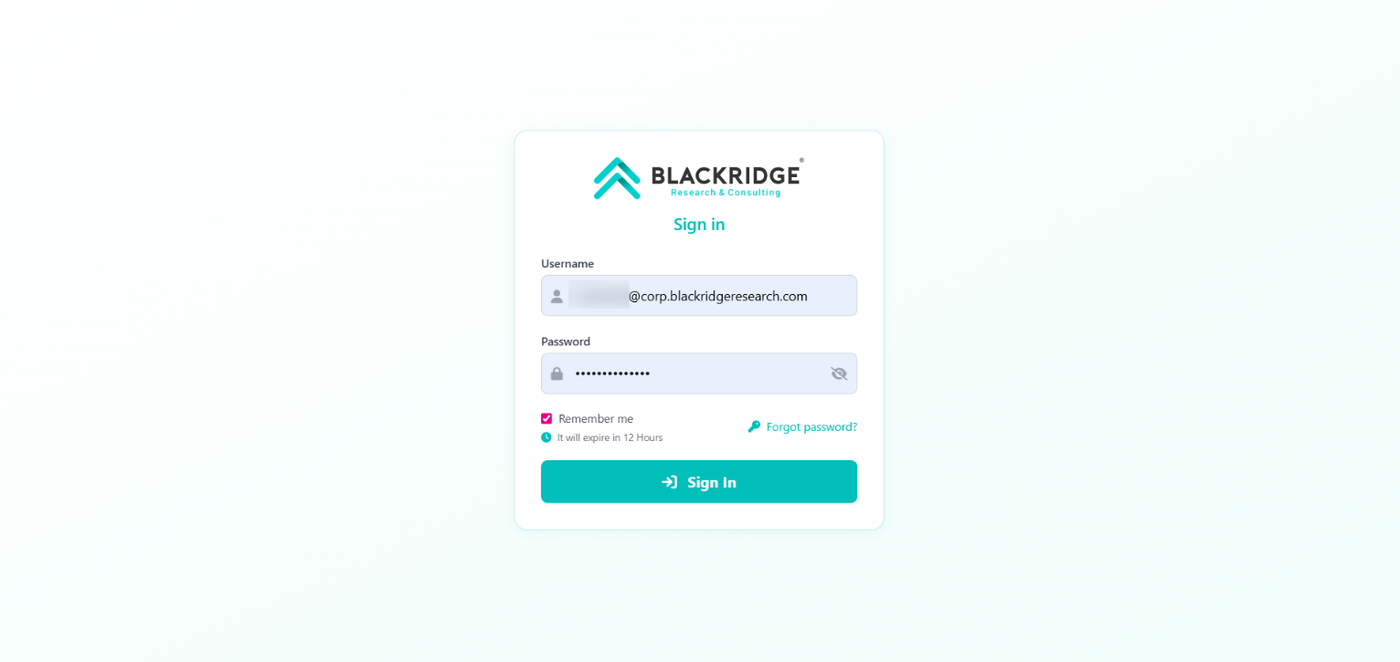
Enter Credentials: Enter your username and password on the login page.
Stay Logged In: Select the "Remember Me" checkbox to remain authenticated for 12 hours.
Sign In: Click the Sign In button.
Security Verification: A One-Time Password (OTP) will be sent to your corporate email (corp mail).
Complete Login: Enter the OTP on the next screen to access the tool.
Note: If you have forgotten your password, click the "Forgot Password" link on the login page to initiate a reset.
